1
Managing Data Connections
Stoneturner supports OAuth, Basic Auth, and API Keys to connect to your integration data. We manage and refresh your credentials to keep your data in-sync.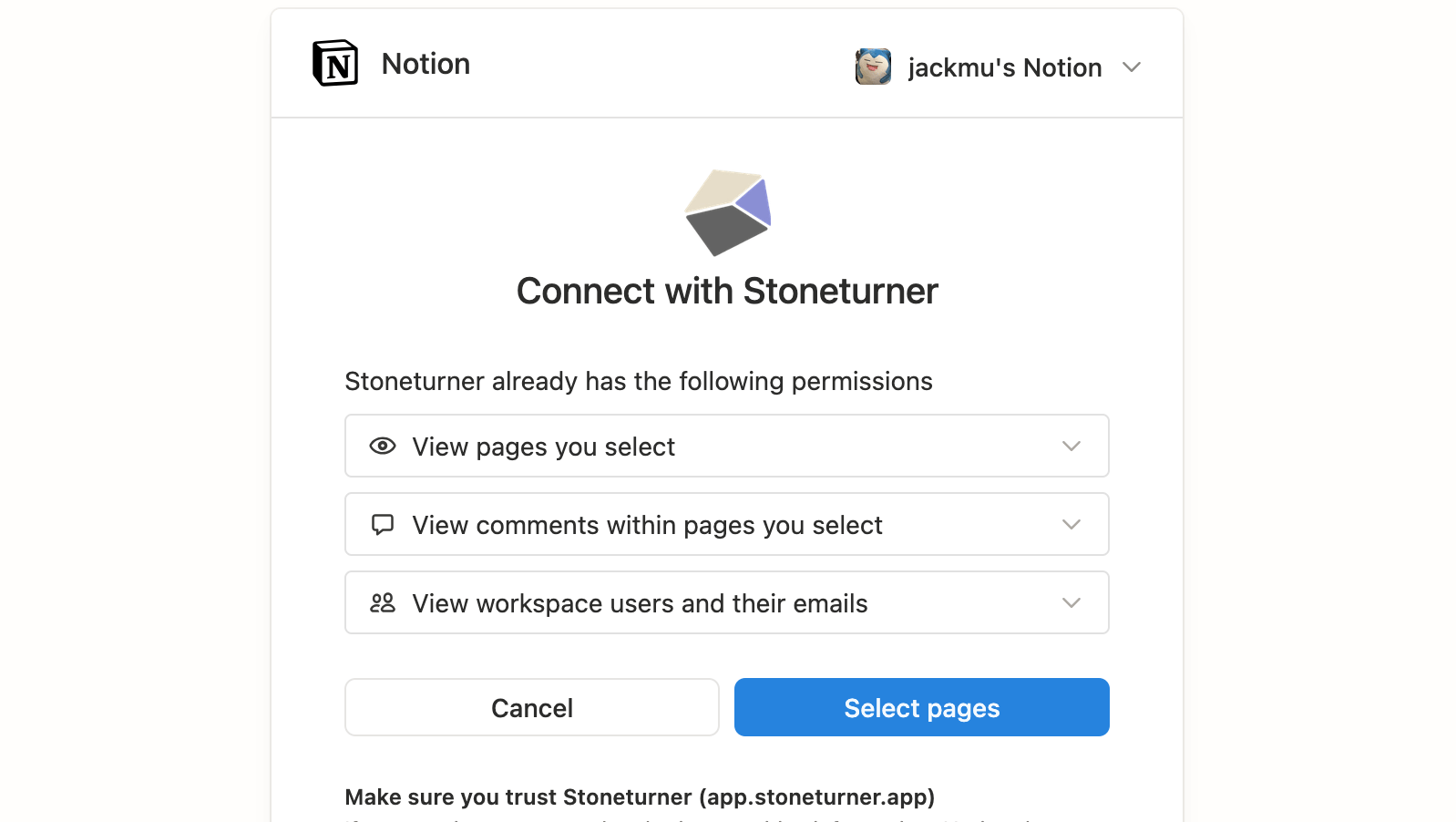
2
Reliable Syncing
Stoneturner fetches data from the integration provider with respect to rate limits, incremental updates, and stores the native data schemas.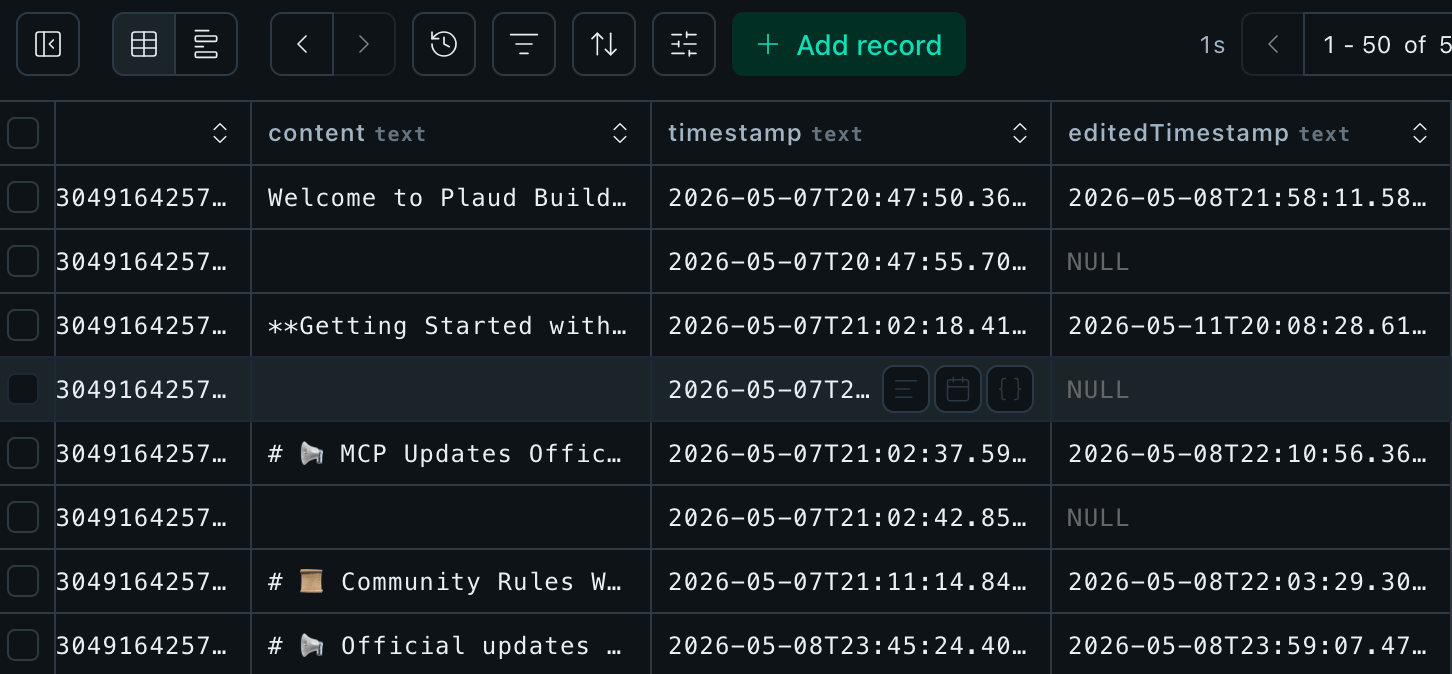
3
Pre-processing for Optimized Search
Agents are at their most optimal when reading clean Markdown, writing scripts for well-defined schemas, and searching unstructured data semantically.Stoneturner does pre-processing using LLMs to extract insights and tags, vector embed content, and formatting everything from transcripts to message threads to Markdown.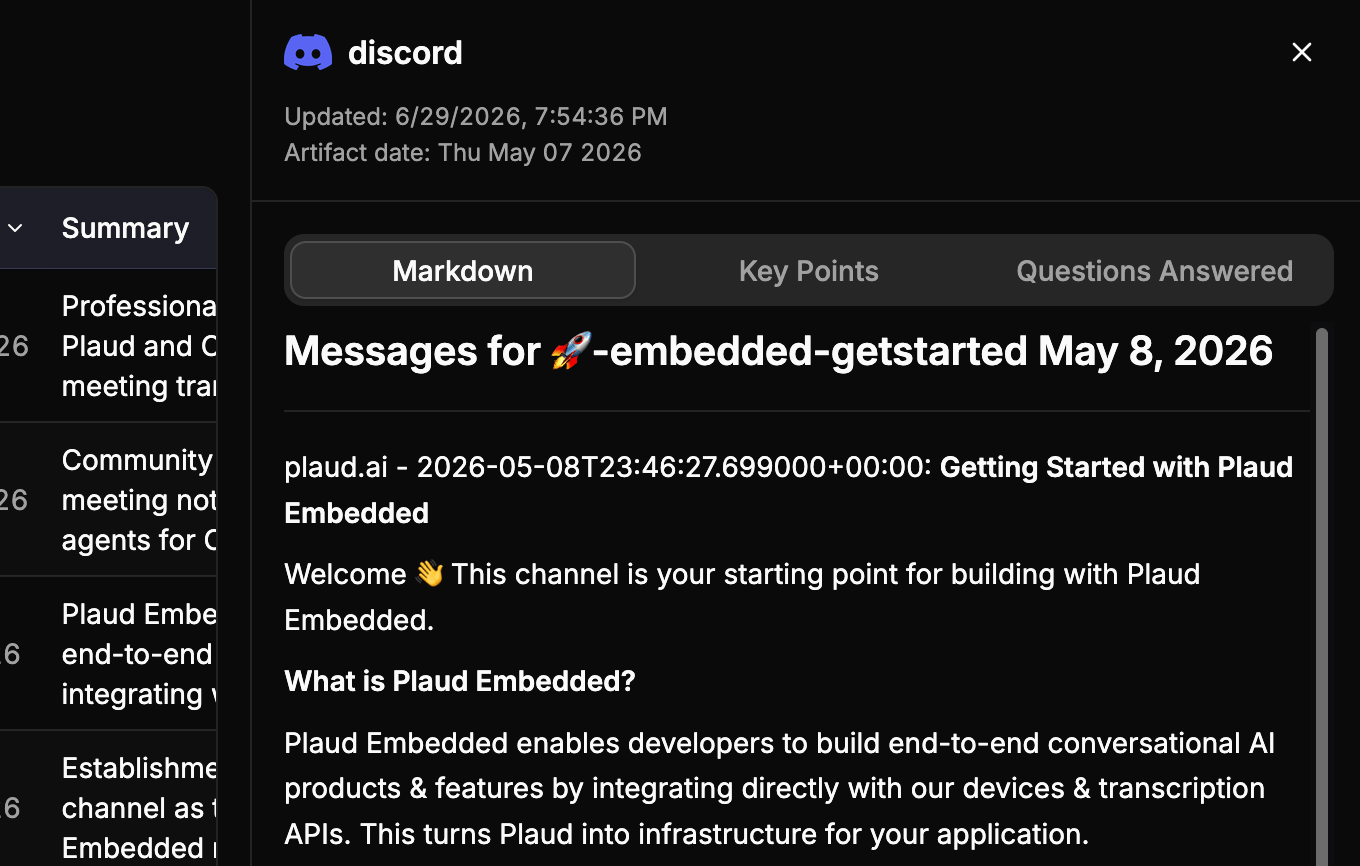
4
Search
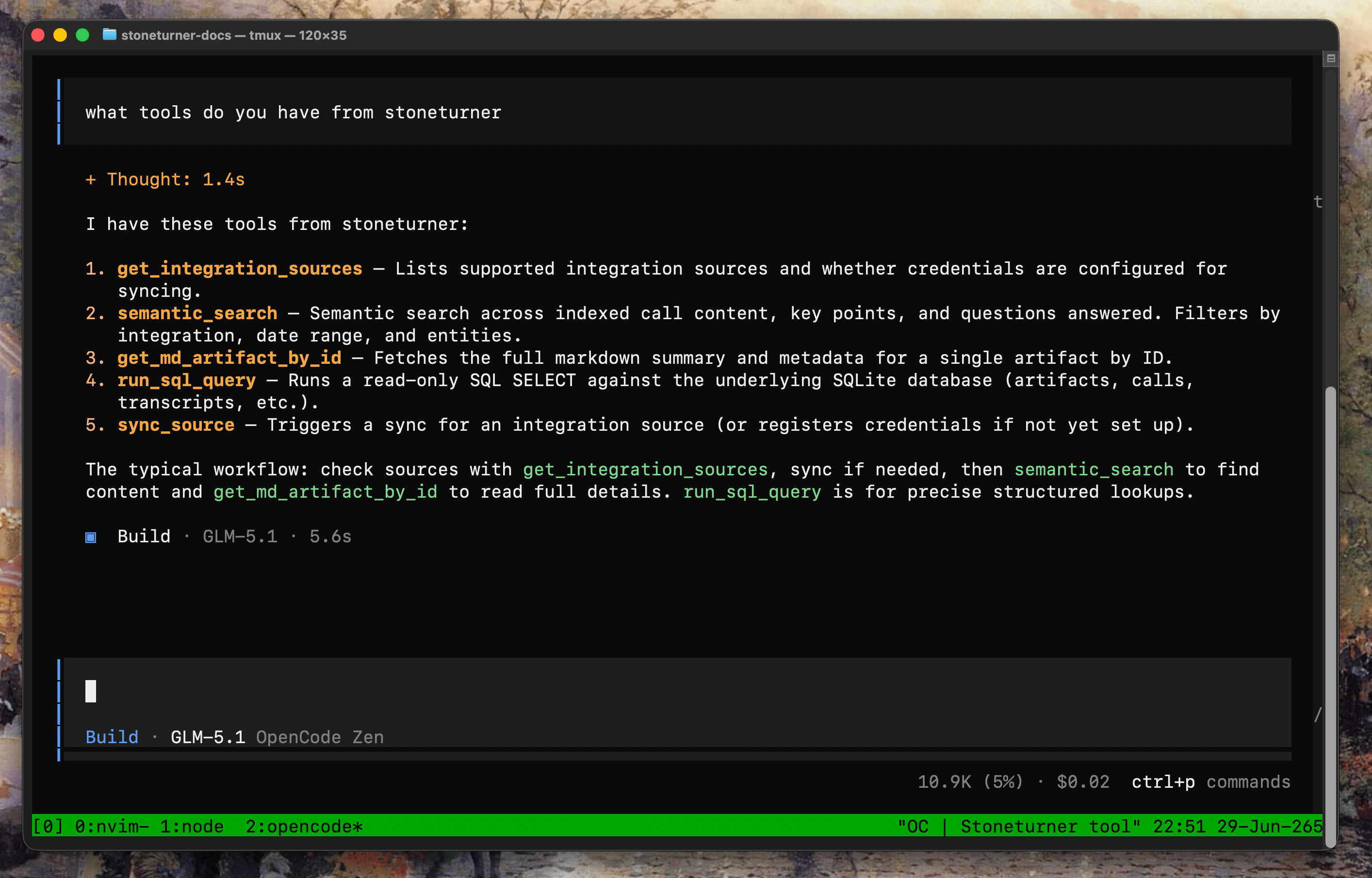
Stoneturner provides just 5 tools for agents to sync and search all of your synced data. No tool bloat. Just simple interfaces for agents to use intelligently.