
Connecting to Stoneturner
There are two ways to connect your agents to Stoneturner:Stoneturner hosted MCP
We take care of data storage and incremental syncs so your agents can search your data from anywhere
Stoneturner Local
Your data is privately synced to your local machine (or VPC) - everything you can do on the Stoneturner hosted MCP is available, and all open source
Option 1: Stoneturner Hosted MCP
Just add Stoneturner to your agent config. That’s it!You can also start at https://app.stoneturner.app to start your syncs and connect your agent to the MCP after.You can also have the agents kick off syncs via the MCP, if you’d like your agent to set everything up.
- Claude Code
- Codex
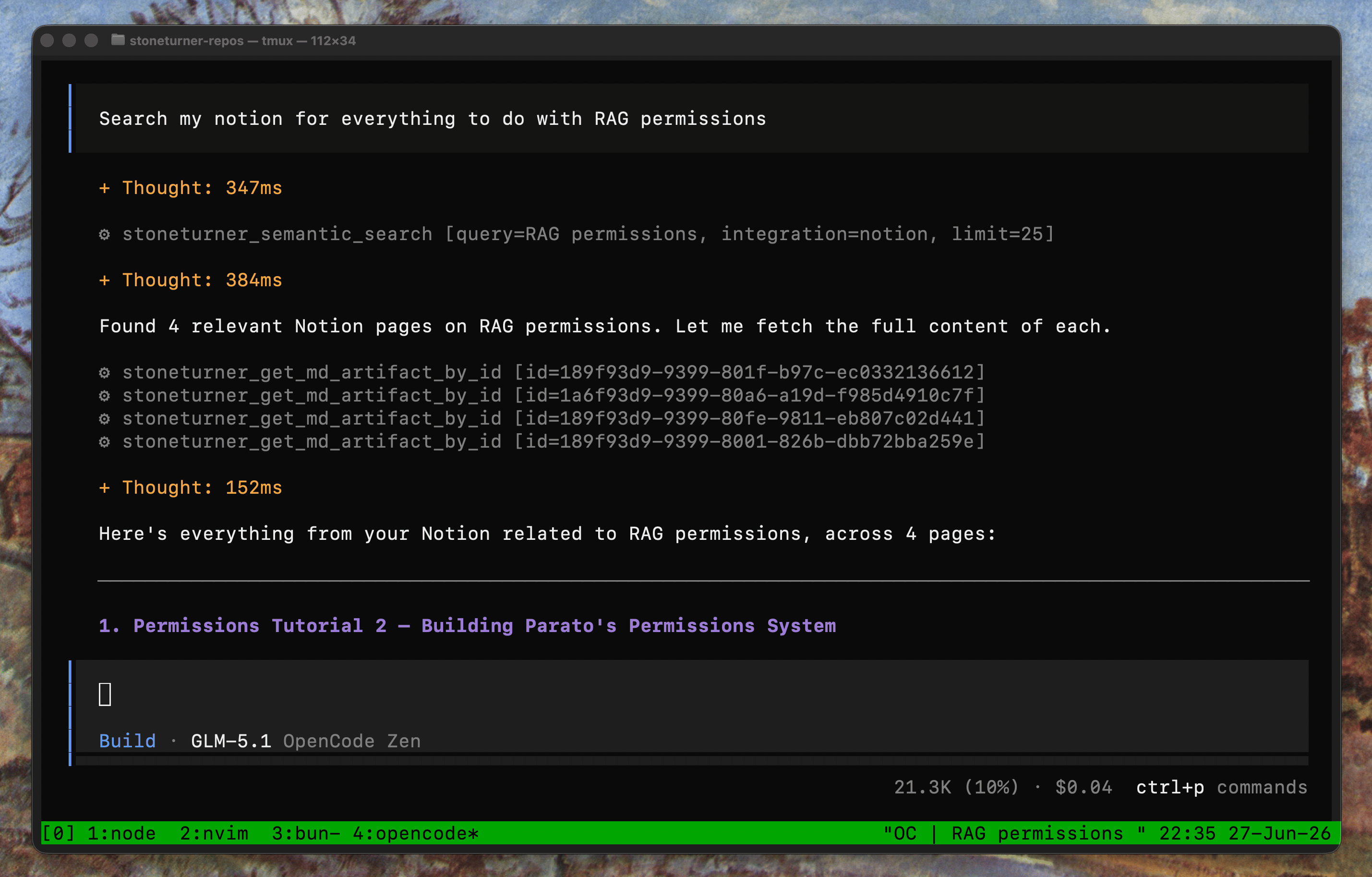
- OpenCode
- ChatGPT
- Claude Web
Claude CLI
.mcp.json manual add
Option 2: Running Stoneturner Locally
Prerequisites
Before you begin, you must have:- Bun v1.3+
- Vercel AI Gateway API key (used for embeddings)
Setting up Stoneturner MCP locally
1
Install
Clone the repository and install dependencies.
2
Configure environment
Copy the example environment file and fill in your values.
3
Set up the database
Generate and apply migrations. This creates a local
stoneturner.db Turso/libSQL file — no remote database URL is needed for local development.4
Run the dev server
Start the server with hot reload on port 9000.
Connect to Stoneturner
Configure an HTTP-based MCP in your agent config- Claude Code
- Codex
- OpenCode
- ChatGPT
- Claude Web
Claude CLI
.mcp.json manual add