Quickstart
Clone, configure, and run Stoneturner locally in a few minutes.
How Stoneturner Works
Walk through the connect → sync → search flow end to end.
Architecture
The project layout, database, MCP server, and frontend.
Add an Integration
Wire up a new data source under
src/integrations/.What you get
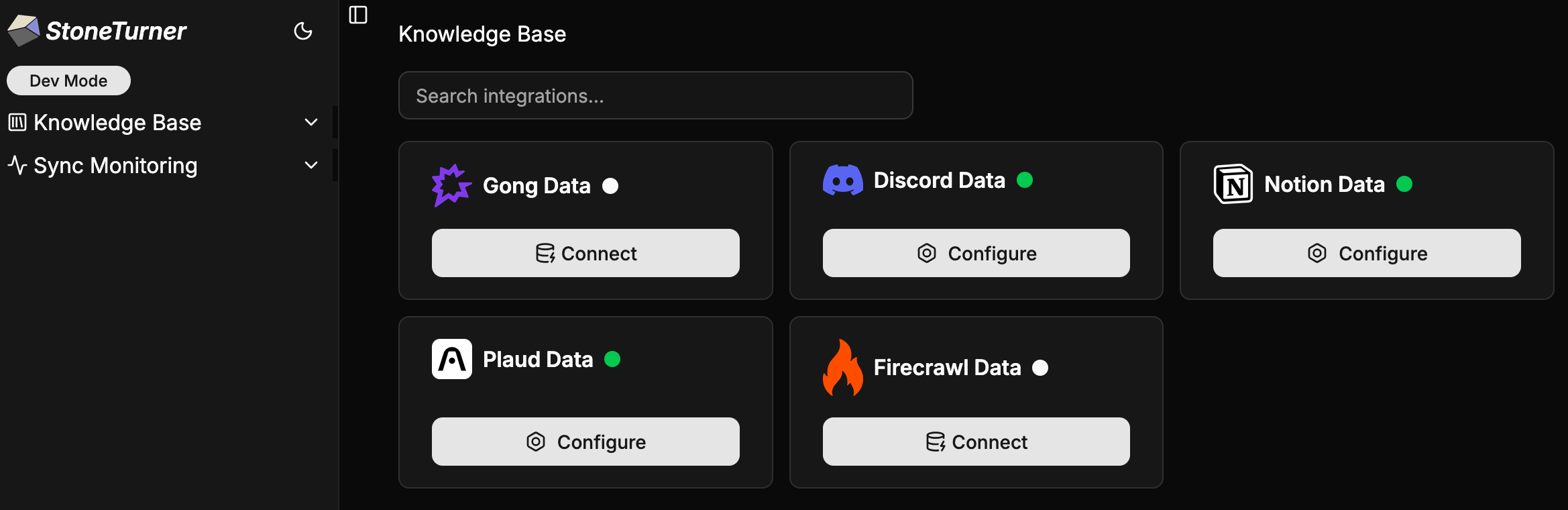
Connect an integration, sync its data, and your agents can immediately query it semantically. The same content is available as raw markdown artifacts and over a read-only SQL interface.Sync
Stoneturner fetches data, parses it into markdown artifacts, and indexes them into vector tables.
MCP tools
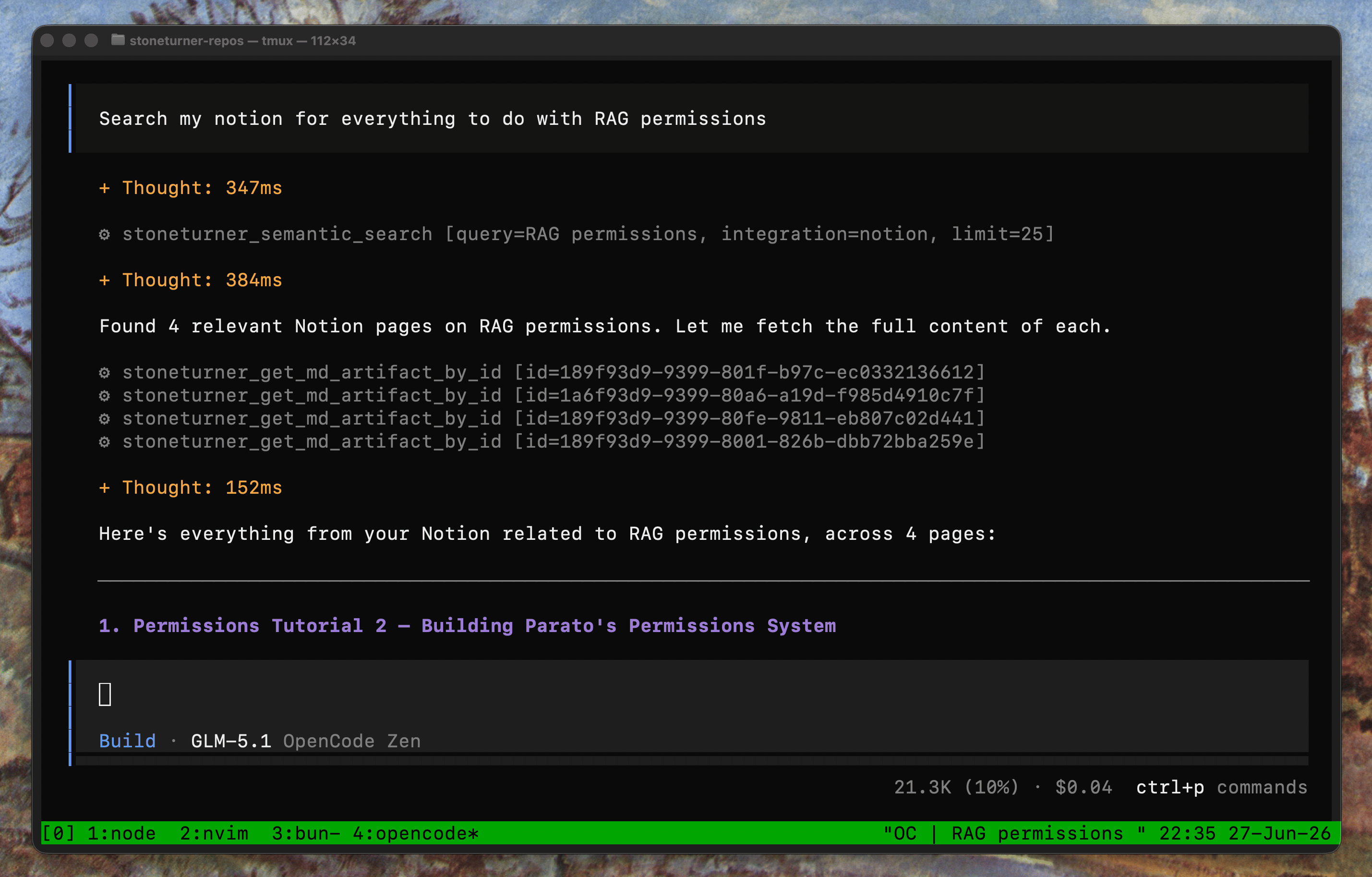
The MCP server (Streamable HTTP at/mcp) exposes these tools to your agents:
| Tool | Description |
|---|---|
semantic_search | Semantic search across indexed content, key points, and questions answered. Supports filtering by integration, date range, and entities. |
get_md_artifact_by_id | Retrieve a single markdown artifact by ID — full content, key points, questions, entities, and metadata. |
run_sql_query | Run a single read-only SELECT statement against the underlying SQLite (libSQL/Turso) database. Returns rows as JSON. Only SELECT (and WITH ... SELECT) statements are permitted — any mutating or schema-modifying statement is rejected. |
get_integration_sources | List all registered integrations and their credential status. |
sync_source | Trigger a full or incremental sync for an integration. Returns a credential URL if not yet configured. |